
 Employee Technology Guide
2026 Staff Device Refresh Information
Backup & Prep Your Old Laptop | Make the Swap | Swap Days | iPad Collection | FAQ
Setting up Your New Macbook
The district will be refreshing staff laptops during the 2026 summer break. The current MacBook Airs will be replaced with the new MacBook Neo model. At this time, we anticipate receiving the new laptops in late July or early August and will hope to have them ready for staff deployment by mid to late August.
When it gets closer to the deployment date, we will provide more information regarding the timing and process for swapping out your old laptop for your new one but the general outline is below.

Backup & Prep Your Old Laptop
- Clean out any "personal data" from your district device.
-
Now is a great time to make sure you don't have personal files and photos stored on your laptop. Getting rid of these files now (or moving them to another device) will speed up the backup and data transfer process.
- Back up your data:
- If you store all of your data in the cloud using Google Drive or iCloud through your managed Apple ID, you're already done with this step...congratulations! Continue to the next bullet if you want to be "doubly" sure.
- If you have files on your laptop that you need backed up, the easiest way is using the Backup & Restore Assistant in Self Service. You can find instructions on how to use this utility here. This utility will allow you to easily make a backup of all your important files and then easily drop them into place on your new laptop.
- Find your accessories
- Make sure you have your charger block and charger cable. You will be using the same carry sleeve that you were given with your current laptop.
- You don't need to bring any other accessories like a document camera or multi-port dongle (you can turn those in now if you aren't using them).
- Clean your laptop!
- If you don't, we'll have to, so...
- we will have cleaning supplies available at the swap point if you need them.
Make the swap
Due to the large number of devices that we need to deploy added to an already busy summer workload, we have several "swap days" scheduled. Please do not come to the IT Service Desk looking for a device outside of the times listed below.
If you are backing up and transferring your own data:
-
- All pickup times are at Mt. Blue Campus near the F-wing
- Wednesday, August 12th from 8:30am to 3:30pm
- Thursday, August 13th from 7:00am to 3:30pm
- Friday, August 14th from 7:30am to 11:30am
- Monday, August 17th from 7:30 am to 1:00pm
- Tuesday, August 18th from 7:30am to 1:00pm
-
- Friday, August 28th from 7:00am to 3:00pm
- Monday, August 31st from 7:00am to 3:00pm
- Tuesday, September 1st from 7:00am to 3:00pm
- Wednesday, September 2nd from 7:00am to 3:00pm
- Thursday, September 3rd from 7:00am to 3:00pm
- Friday, September 4th from 7:00am to 1:00pm
If you have not exchanged your laptop by the end of the school day on September 4th, you must leave your old laptop with IT Services to do the data transfer and swap for you.
We know that being at school during the summer is no fun but, there will be a time, shortly after school starts, when any laptops that haven't been turned in will stop working. Each device that we have in service requires and MDM licenses and we only have a short window of time where we can maintain licensing on your new device and your old device so we need to make the swap soon after the new devices are ready.
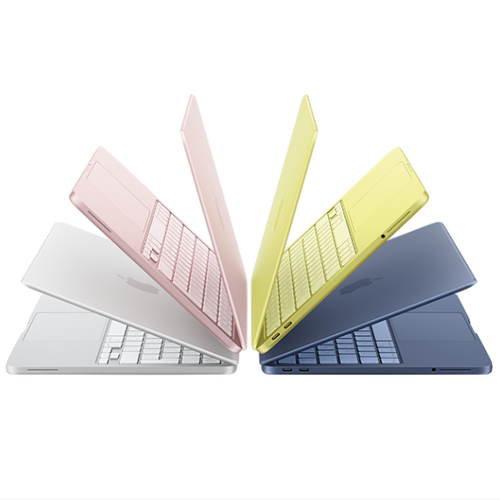
Setting up your new Macbook Neo
If the guide does not appear below, click here to open them in a new tab.

Frequently Asked Questions
If you have questions, reach out. If we think others will benefit from knowing the answer, we'll include it here...even if it only gets asked once!
- "Is my laptop getting replaced?"
- If you are currently issued a MacBook Air then most likely, you are.
- I'm an Ed Tech, am I getting a new device?
- Maybe. There are a lot of moving pieces with device assignments this summer but we are hoping that when the dust settles, we will be able to issue Ed Techs newer iPads with more storage.
- Can I buy my old laptop?
- No. Laptops will not be available for staff to purchase.
- I'm not available during the designated swap times, can I come in early?
- No. We are not able to accommodate early pickup/swaps.
- I need tech staff to do the data swap for me but I can't leave my laptop.
- It is strongly recommended that you use the resources provided here to do the data backup and transfer yourself. The process is fairly easy and will make the device swap much quicker and eliminate the need for you to be without a device for any period of time. If you still need assistance, you will have to leave the device as we are not able to do it while you wait.
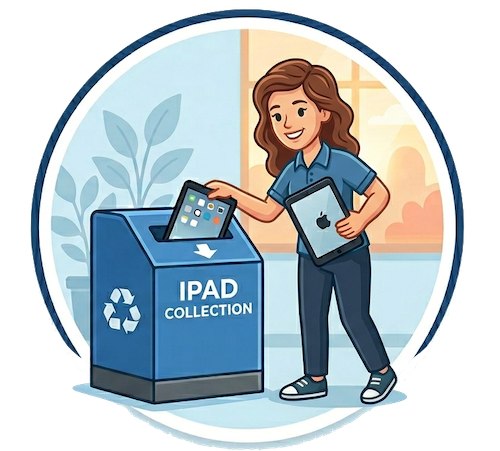
iPad Collection
To request that an iPad be configured and assigned to you for use in your classroom, please complete the form below:

Tech will be collecting all teacher iPads at the end of the school year. There are several important updates that need to be done on the iPads and we need them on hand to do this.
When the school year begins in the fall, we will only be issuing iPads back to teachers who request them. Why, you ask. Great question—it's because...
- If an iPad sits unused (an thus uncharged), the battery will quickly degrade and significantly reduce its overall capacity.
- Unused iPads get put away in dark closets and cluttered desk drawers and that makes them sad. 😔
- The district has to pay for an MDM license for every iPad that has been issued so collecting unused devices reduces costs. 💰
Don't fret, we will always have an iPad available for you if you realize you need it later on, whether it's for a day or to support a permanent change in your teaching style—and requesting one will be super easy (just ask for it!).
Important things to remember:
- We only plan to issue iPads to teachers who request them so if you don't need one, you don't have to let us know.
- Requesting an iPad can be done anytime and we'll get you one.
- Regardless of when you request an iPad, you probably won't get the same one back so backup your data before you turn it in on June 12th.
-
We will have boxes in the main office of each school for you to turn in your iPad on the last day of school (June 12th).